
How to Set a Stop-Loss Order on WEEX: Full Guide 2026

 Prefer us on Google

What Is a Stop-Loss Order?
A stop-loss order is an automatic instruction. You pick a price. If the market hits that price, WEEX closes your position immediately. You don't have to watch the screen. You don't have to fight your emotions. The system does it for you.
On WEEX, stop-loss and take-profit appear together in the order panel. Check "stop-loss", enter your price, and you are done.
One important thing: execution is not guaranteed at your exact price. When triggered, WEEX uses a market order. Slippage, low liquidity, or violent moves can change the final fill price. On major pairs like BTC/USDT, the difference is usually small.
Why You Need a Stop-Loss on WEEX
Why bother with a stop-loss? Four real reasons.
Emotional trading kills accounts. You are down 20% and tell yourself "it will come back." It won't. A stop-loss removes the decision entirely.
Then there is capital protection. Crypto moves fast. Leverage moves it faster. One bad candle can wipe weeks of gains. A stop-loss is your seatbelt. You don't drive without one.
You also get to sleep like a normal person. Set your stop-loss, go to work, go to bed. If the market turns against you while you are asleep, WEEX closes the trade for you. No midnight panic checks.
Finally, it forces real risk management. Decide your maximum loss before you click buy. Not after. That is what professionals do. Amateurs guess and hope.
How to Set a Stop-Loss Order on WEEX: Step-by-Step Guide
Best for beginners. One setup, done.
Step 1: Log into WEEX
Open the WEEX website. Enable two-factor authentication (2FA) if you haven't already.
Step 2: Go to Futures Trading and Pick Your Trading Pair
Click "Futures" from the top navigation and select BTC/USDT, ETH/USDT, or any pair you want to trade.

Step 3: Choose Direction and Leverage
Click "Buy/Long" if you expect prices to rise, or "Sell/Short" if you expect them to fall. Set your leverage. New users should start with 3-5x until they understand how stop-loss works.
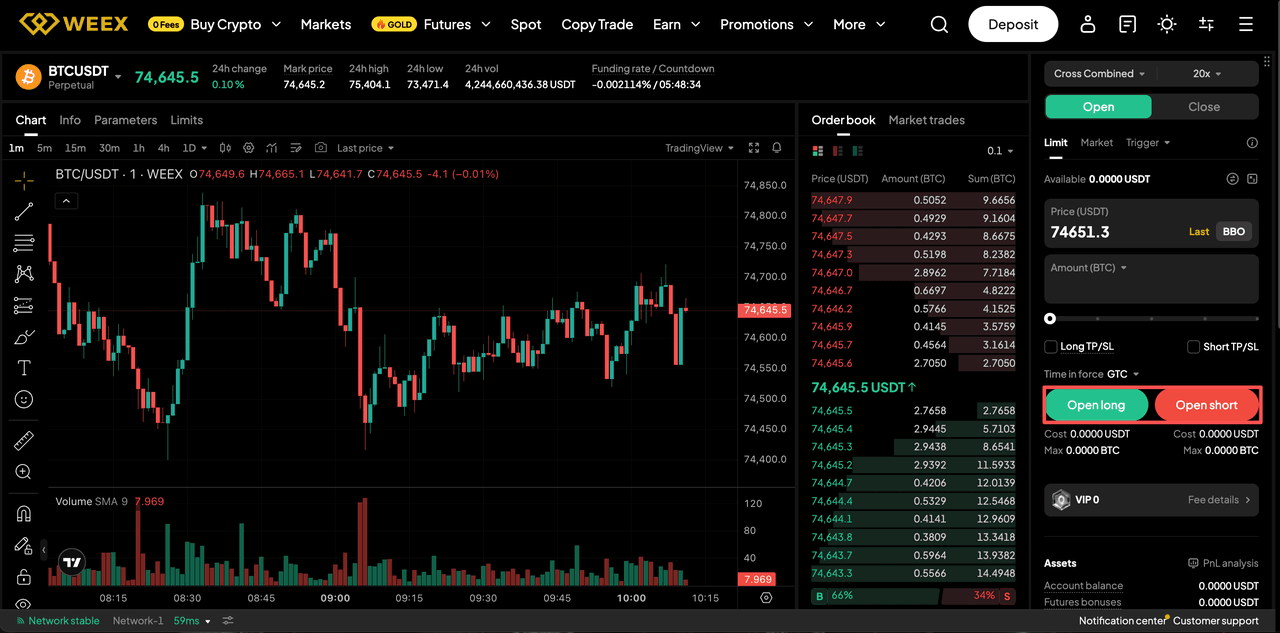
Step 4: Enter Your Stop-Loss Price
In the order panel, find "Stop-Loss (SL)". Toggle it on. Enter the price where you want to exit. Example: You buy BTC at $60,000. Set stop-loss at $57,000. If BTC drops to $57,000, WEEX closes your position. Your maximum loss is 5%.
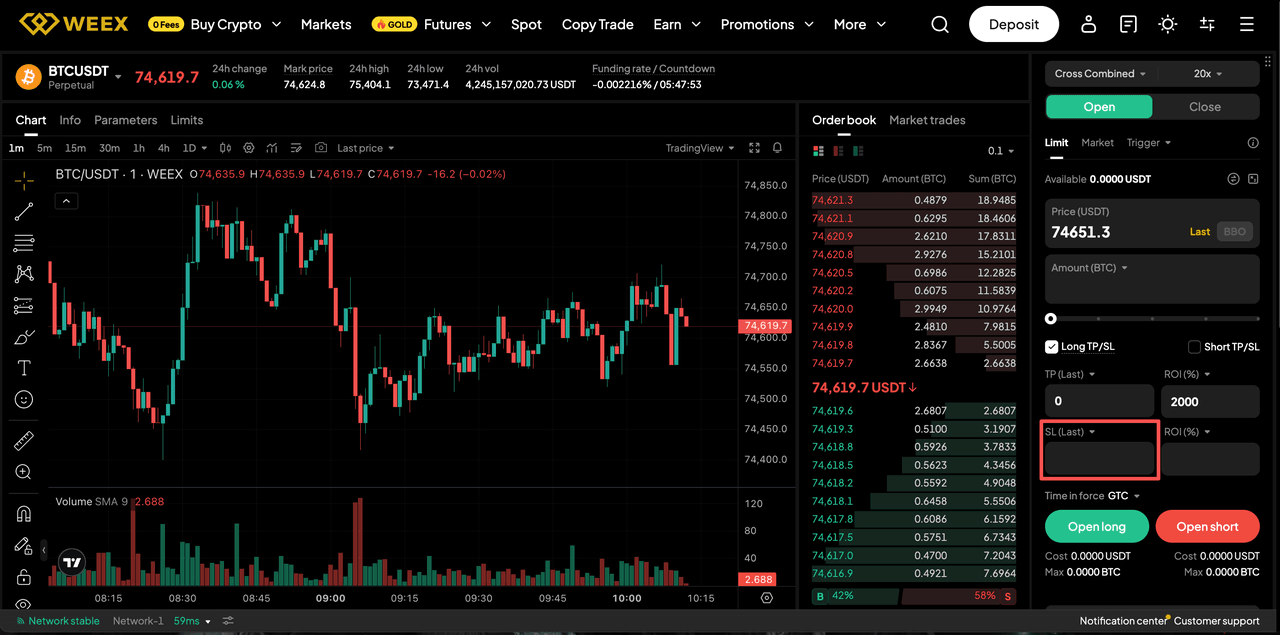
Step 5: Confirm the Order
Review everything. Click "Buy/Long" or "Sell/Short". Your stop-loss is now active.
-- Price
Pro Tips for Setting Stop-Loss on WEEX
Knowing how to click the buttons is one thing. Knowing where to place your stop-loss is what separates profitable traders from everyone else. The methods above show you how to set a stop. These five tips tell you where to put it — and why most traders get it wrong.
- Tip 1: Don't place stop-loss too tight. If your stop is 1% away from entry, normal market noise will knock you out. For BTC or ETH, use 3-5%. For altcoins, use 8-15%. Give the trade room to breathe.
- Tip 2: Use support and resistance levels. Do not pick round numbers like $50,000 just because it looks nice. Look at the chart. For a long position, place your stop just below a key support level. For a short position, place it just above a key resistance level. This avoids being stopped out by random wicks.
- Tip 3: No stop-loss = gambling. Before you click "buy", decide your max loss. Write it down if you have to. That is the difference between a trader and a gambler.
- Tip 4: Higher leverage needs tighter stops. If you use 50x leverage, a 2% move against you can wipe your position. Your stop-loss must be very close. Better yet, use lower leverage.
- Tip 5: Check your stop-loss after partial closing. If you manually close part of your position, the remaining position keeps the original stop-loss unless you adjust it.
FAQ
Q1: Do I have to set both stop-loss and take-profit on WEEX?
No. You can set only a stop-loss, only a take-profit, or both. If you only want to limit losses, just set the stop-loss.
Q2: Will my stop-loss fill exactly at the price I set?
Not always. When triggered, WEEX sends a market order. Slippage can happen during high volatility or low liquidity. On BTC/USDT, the difference is usually small. On low-volume altcoins, it can be larger.
Q3: Can I set multiple stop-losses on one position?
WEEX allows up to 20 conditional orders per position. But one stop-loss is standard. Multiple stop-losses on the same position usually don't make sense.
Q4: What happens to my stop-loss if I get liquidated?
Liquidation happens when your margin runs out. A stop-loss is designed to prevent liquidation. If you get liquidated, your stop-loss order is canceled. That is why you set the stop-loss early — before margin gets too low.
This content is provided for general informational purposes only and doesn't constitute financial, investment, legal, or tax advice. Any events, rewards, online promotions, or related information mentioned herein should not be considered a recommendation, solicitation, or invitation to purchase, sell, trade, or otherwise deal in any crypto assets. Crypto assets are highly volatile and may result in loss. The availability of WEEX services, products, and related events may vary by region. You are responsible for ensuring that your participation is in accordance with applicable local laws and regulations.
You may also like
BTC Futures Analysis: $80K Held, but Longs Are Still Paying Up
Third-Party Trading Platforms vs Direct WEEX Trading: Fees, Liquidity, Security, and Control
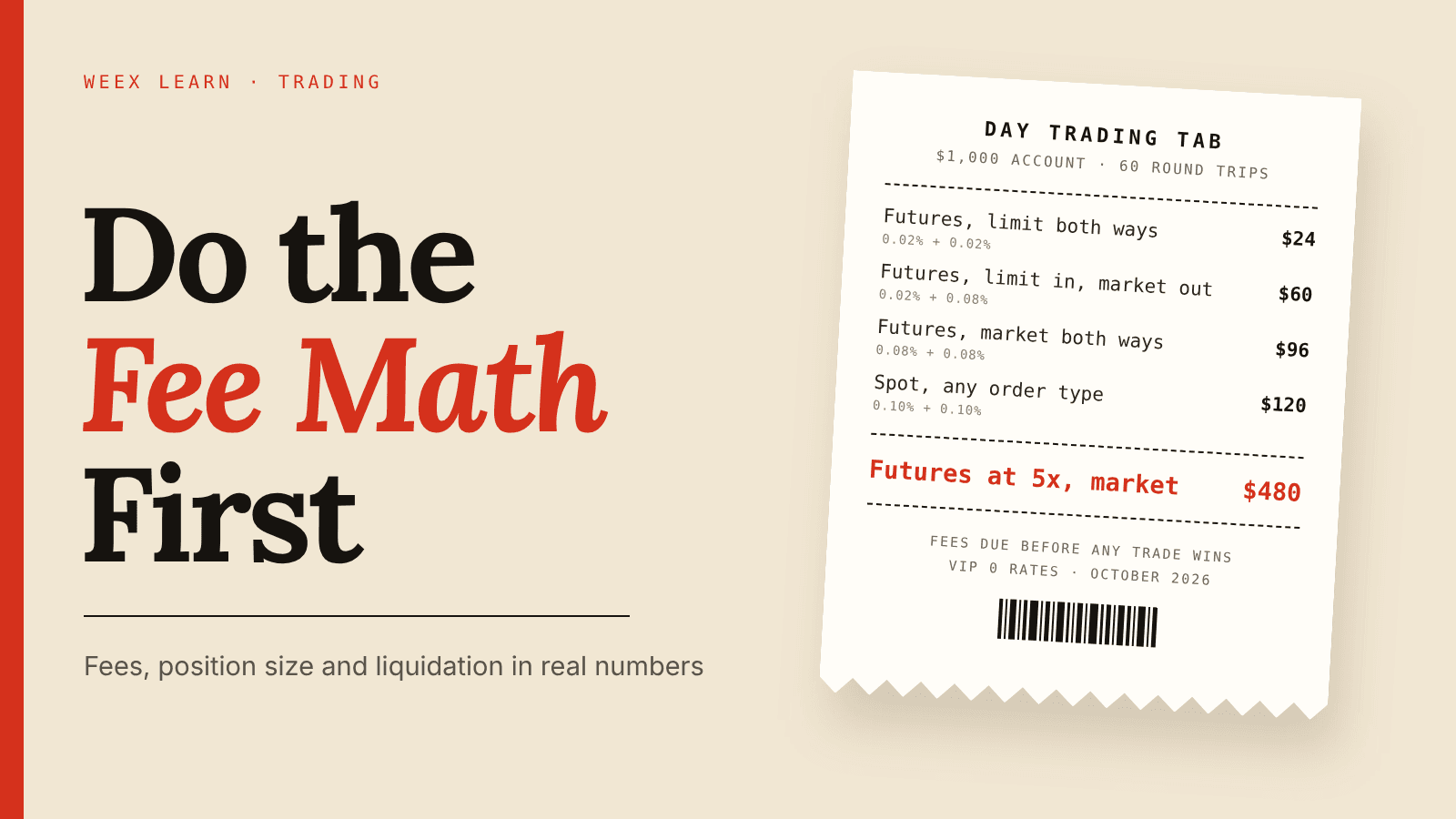
How to Day Trade Crypto for Beginners: Do the Fee Math First
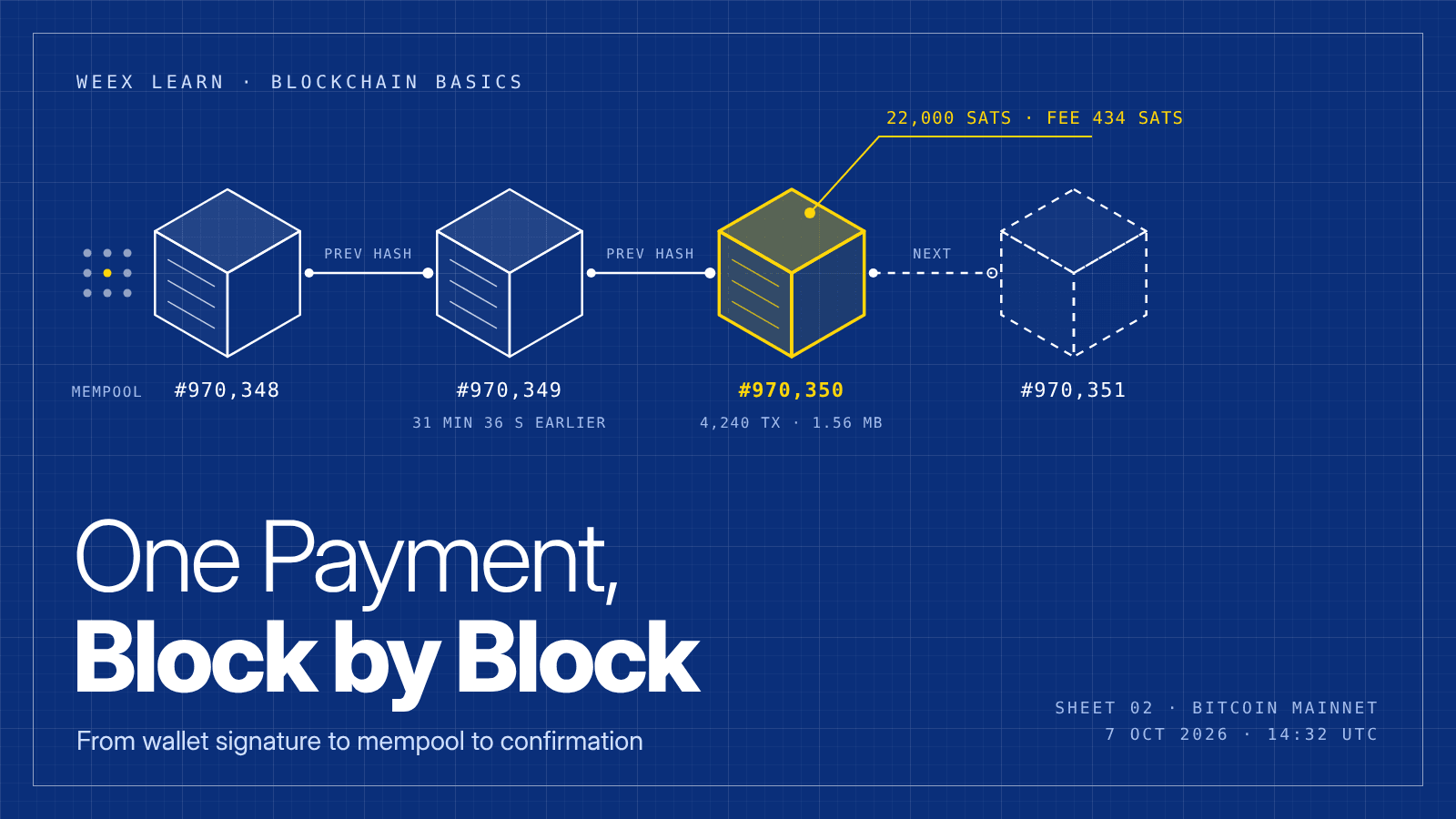
What Is Blockchain and How Does It Work? One Real Payment Traced
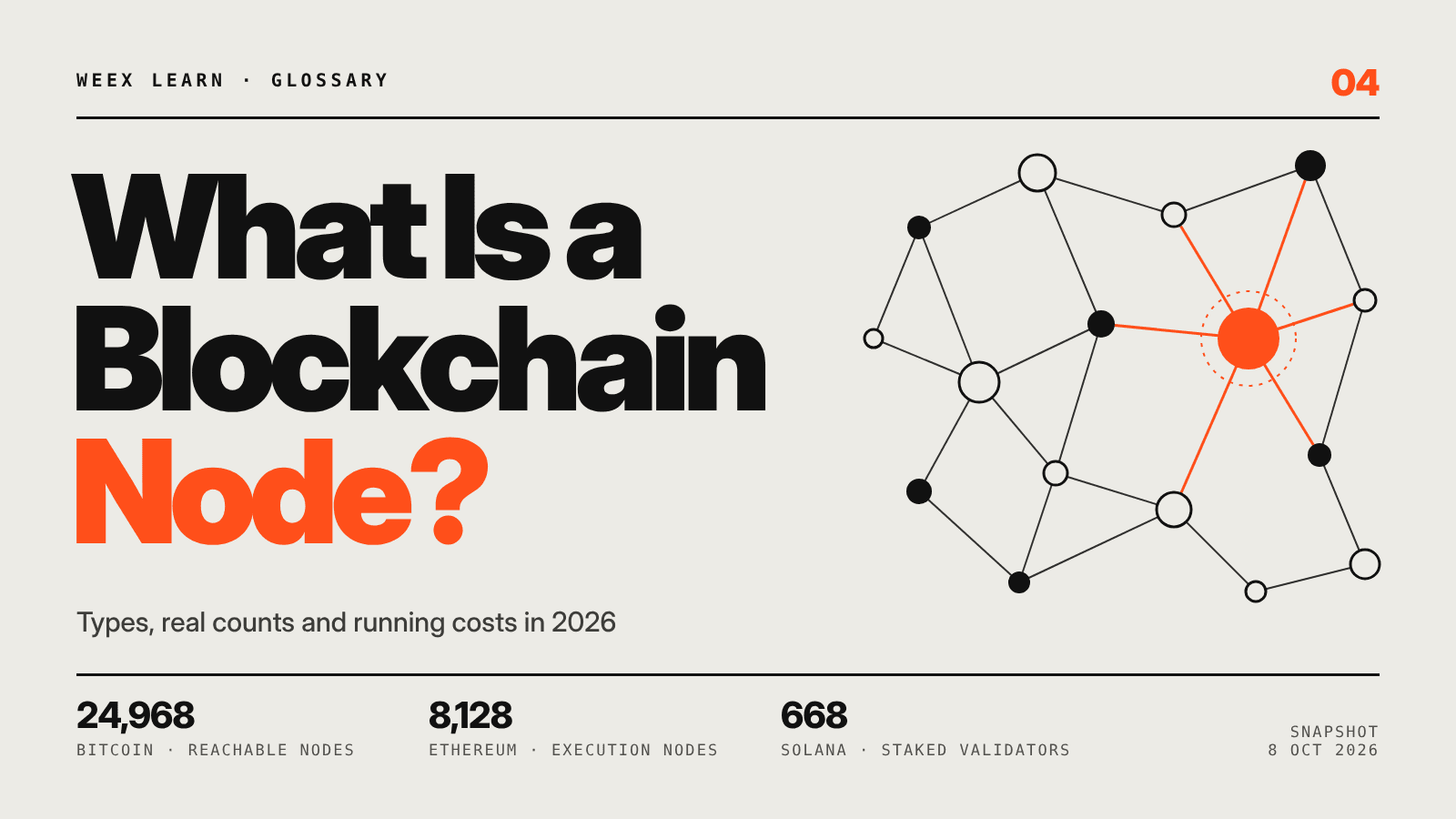
What Is a Blockchain Node? Types, 2026 Counts, and Real Costs

TSMC Stock Outlook Ahead of Q3 Earnings: Can AI Demand Push Shares Higher?

Taiwan Stock Market Nears 50,000: Can the TAIEX Break the Milestone After the Holiday?

How to Buy USDT in Thailand: Payment Methods, Fees and Transfer Checks

What Is RLC Crypto? How iExec (RLC) Powers Confidential Computing

Best Crypto Trading Strategies for Beginners: What to Know Before You Trade
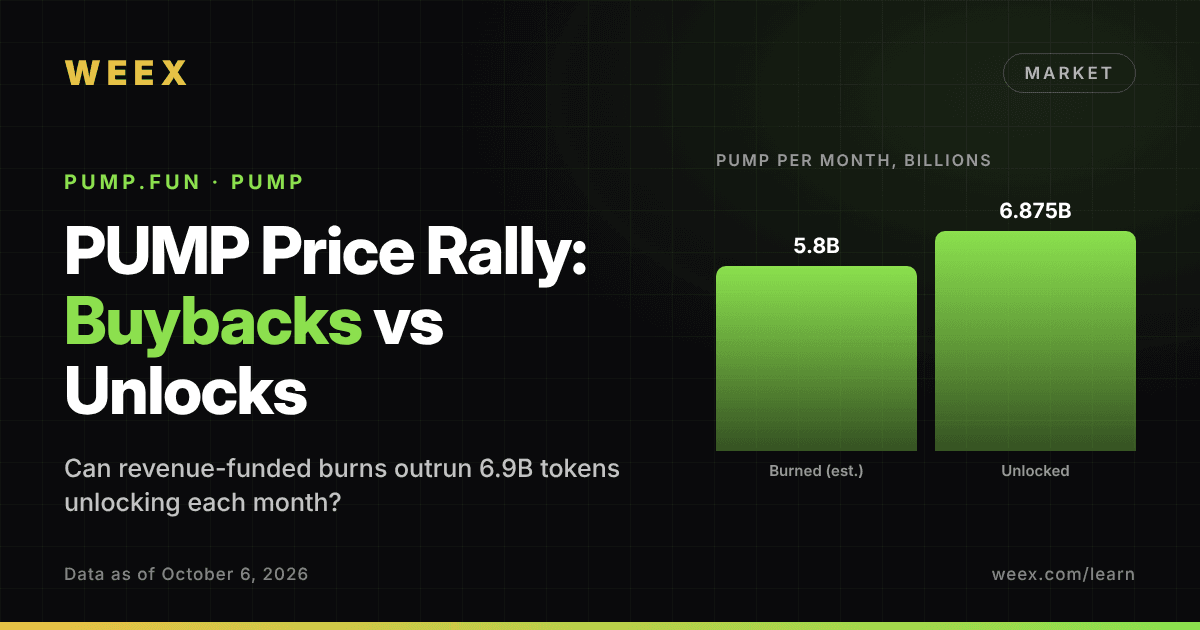
PUMP Price Rally: Can Pump.fun Buybacks Outrun Monthly Unlocks?
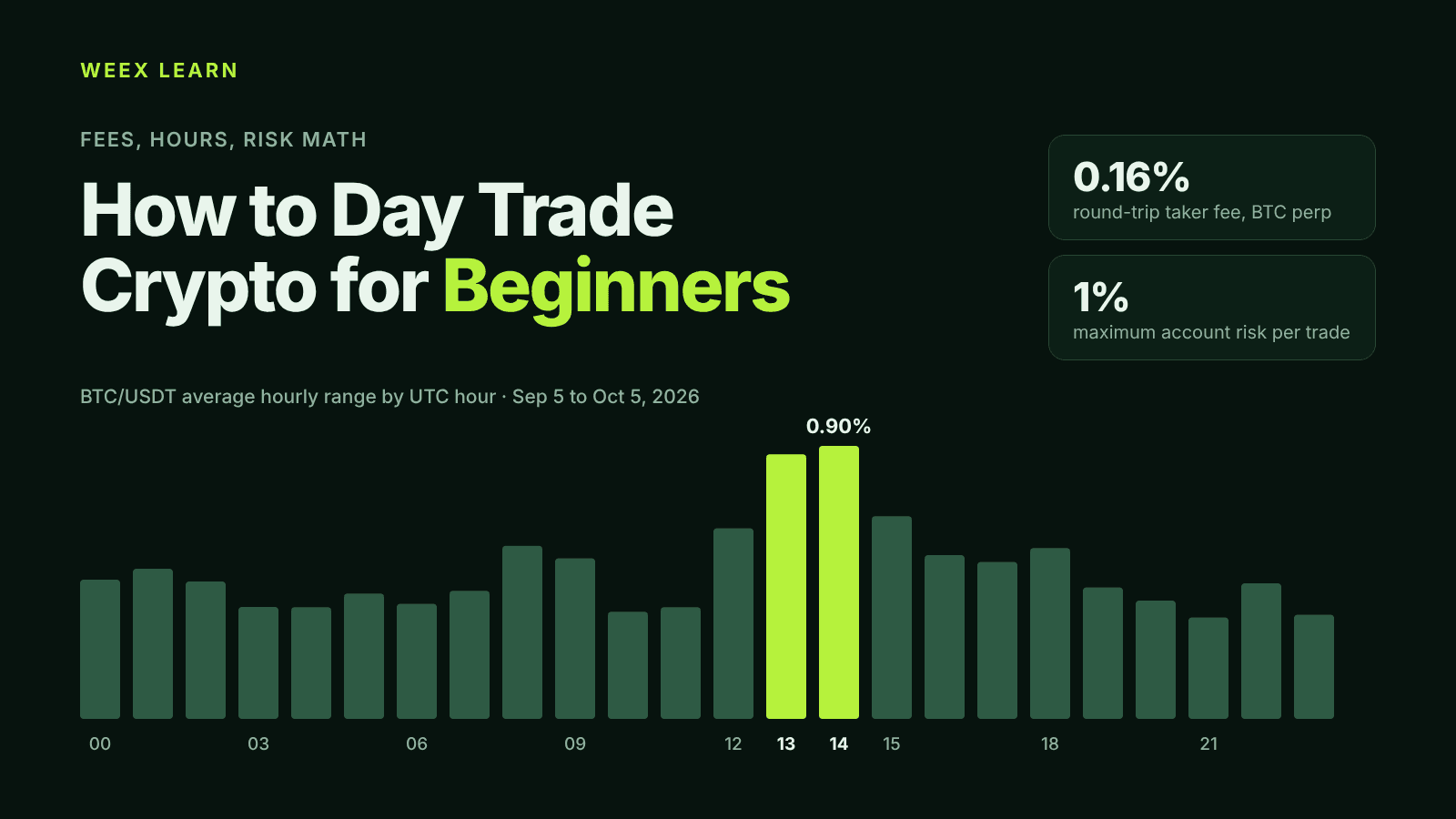
How to Day Trade Crypto for Beginners: Fees, Hours, Risk Math
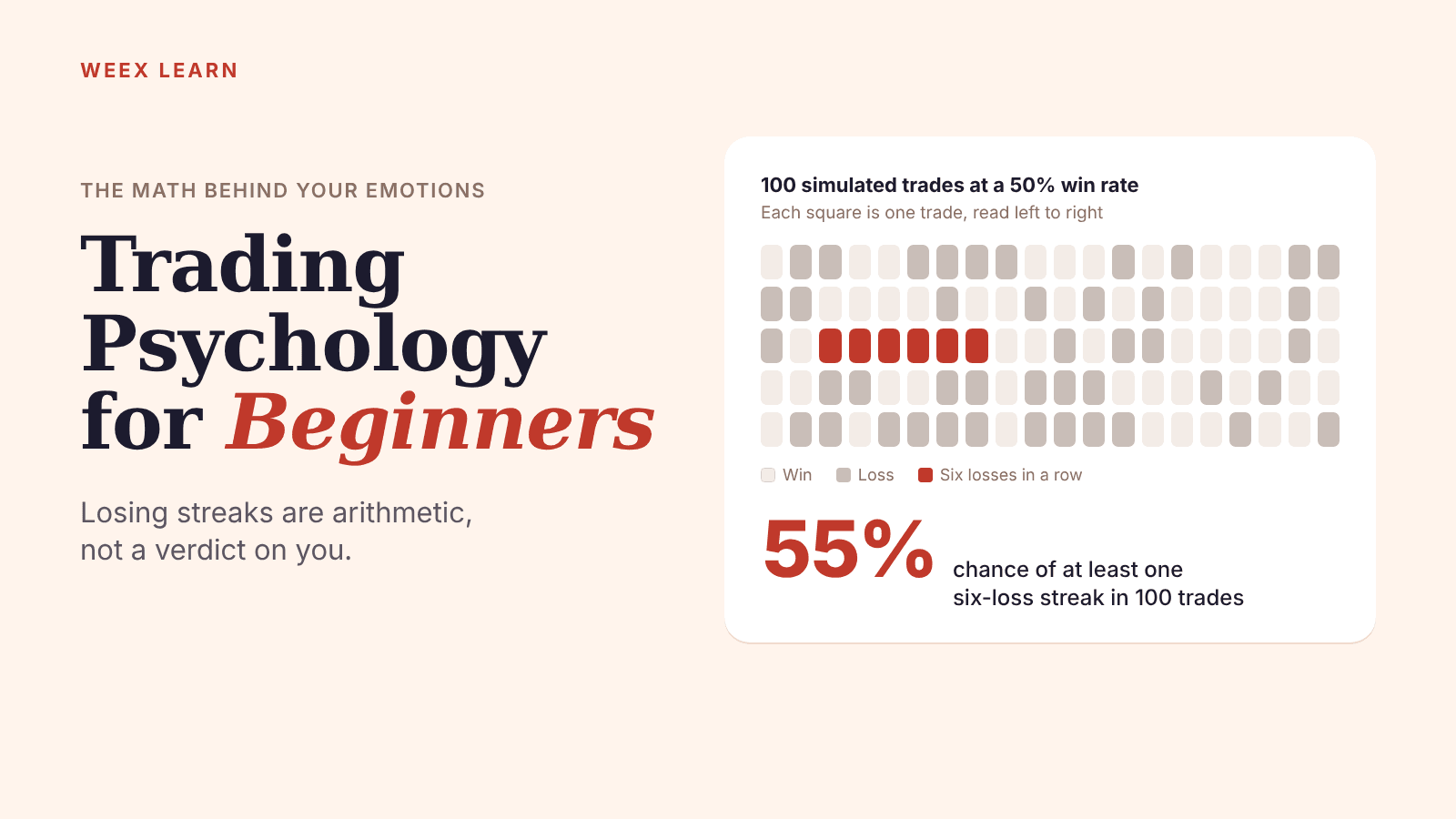
Trading Psychology for Beginners: The Math Behind Your Emotions
Best Crypto Apps for Beginners: The Five Features That Actually Matter on Your Phone
WEEX Passkey Now Secures Withdrawals: The 4 Actions It Covers
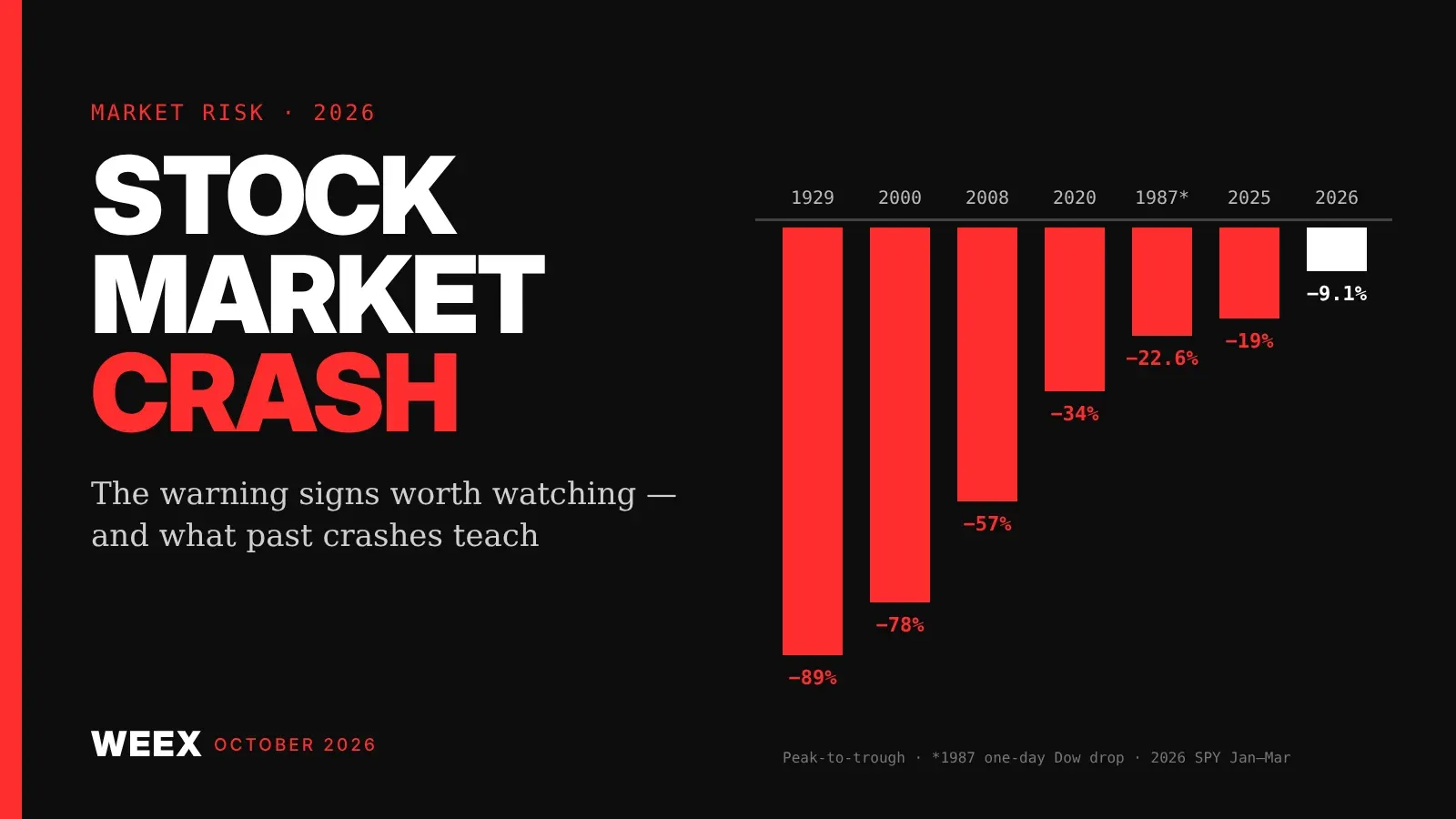
Stock Market Crash Risk in 2026: The Warning Signs Worth Watching
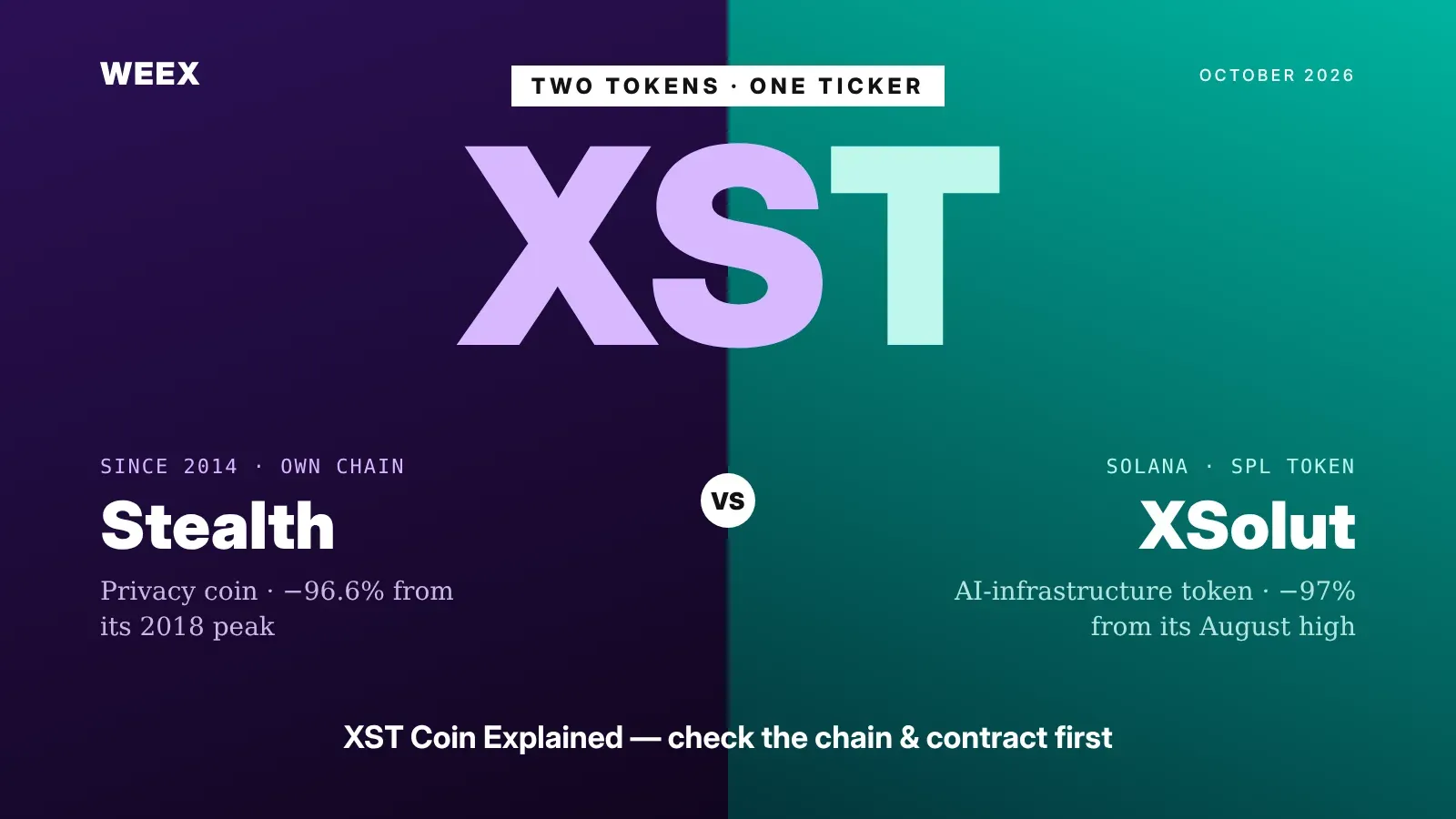
XST Coin Explained: Two Tokens Share One Ticker, Check Which One
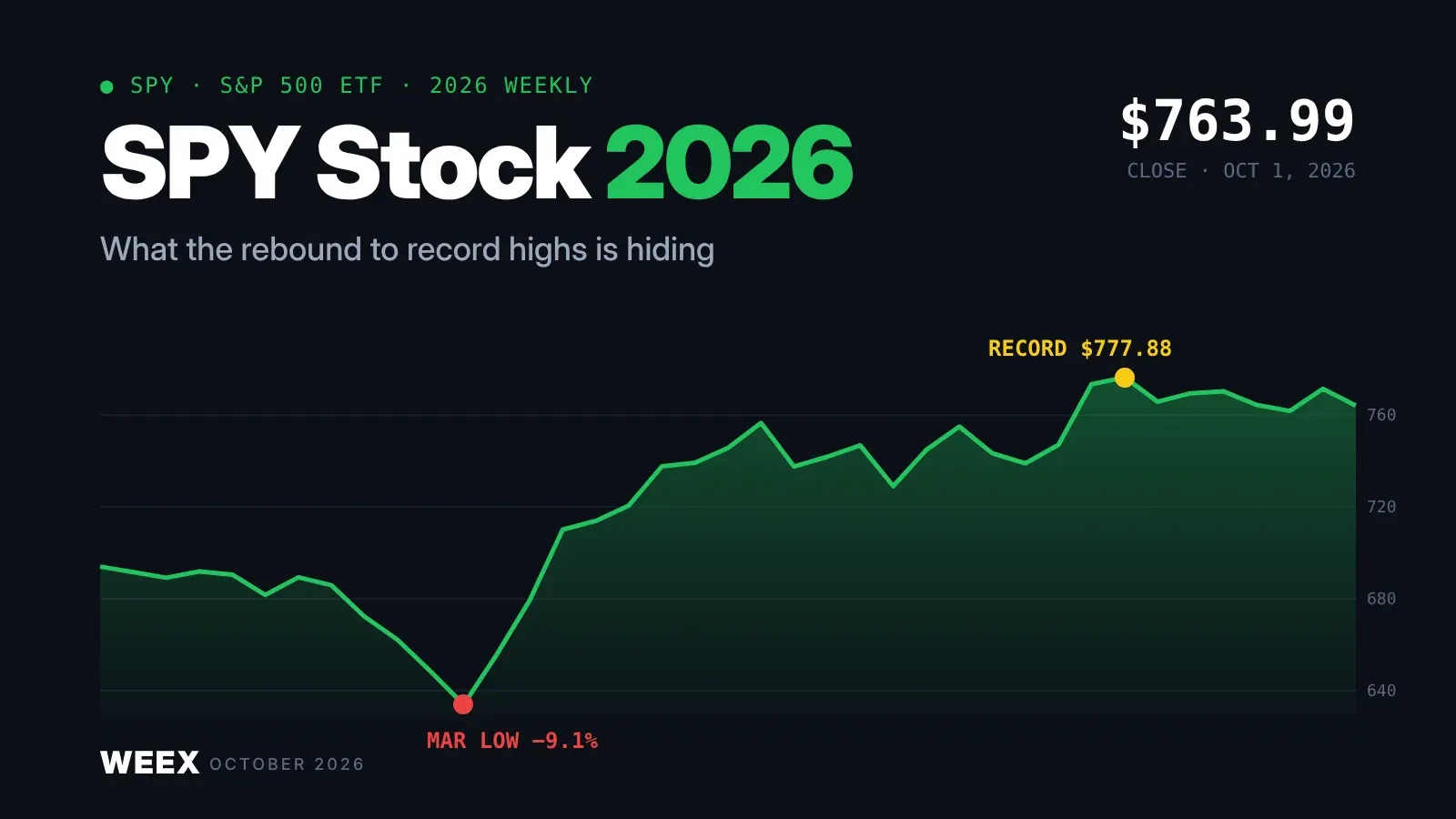
SPY Stock in 2026: What the Rebound to Record Highs Is Hiding
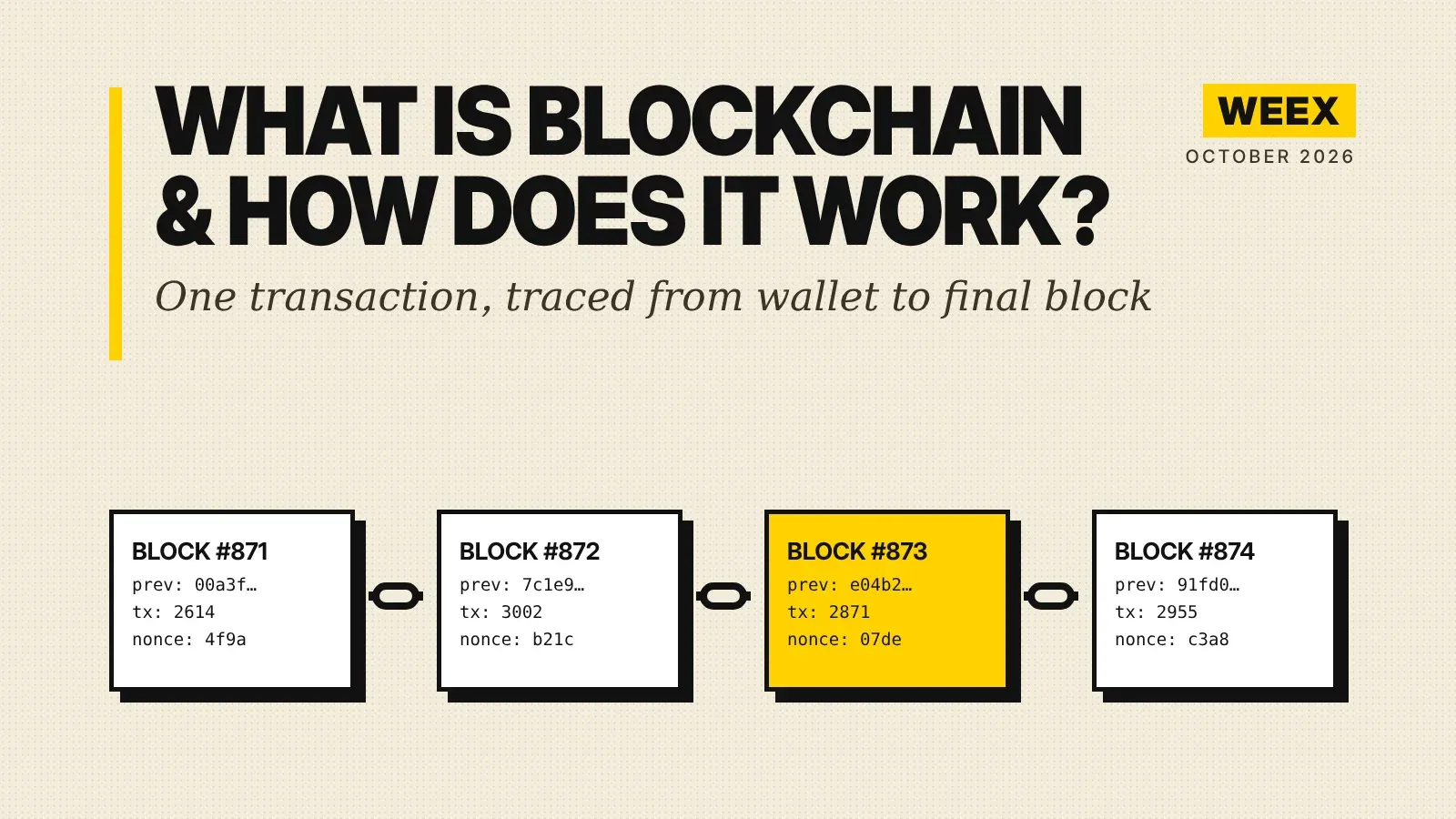
What Is Blockchain and How Does It Work? A Transaction Traced
How to Buy Crypto with PayPal: The Custody Catch Most Beginners Miss
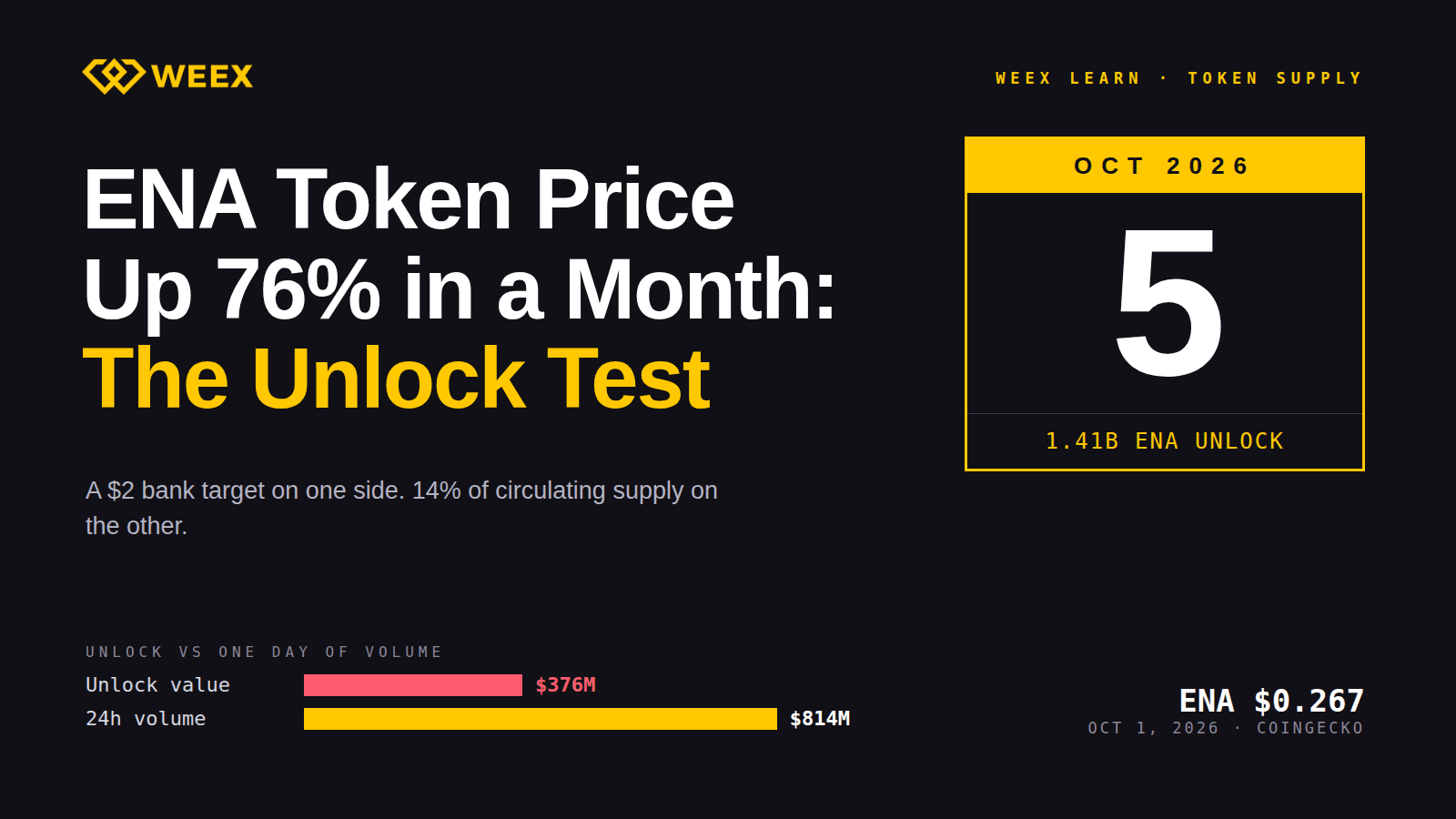
ENA Token Price Up 76% in a Month: The October 5 Unlock Test
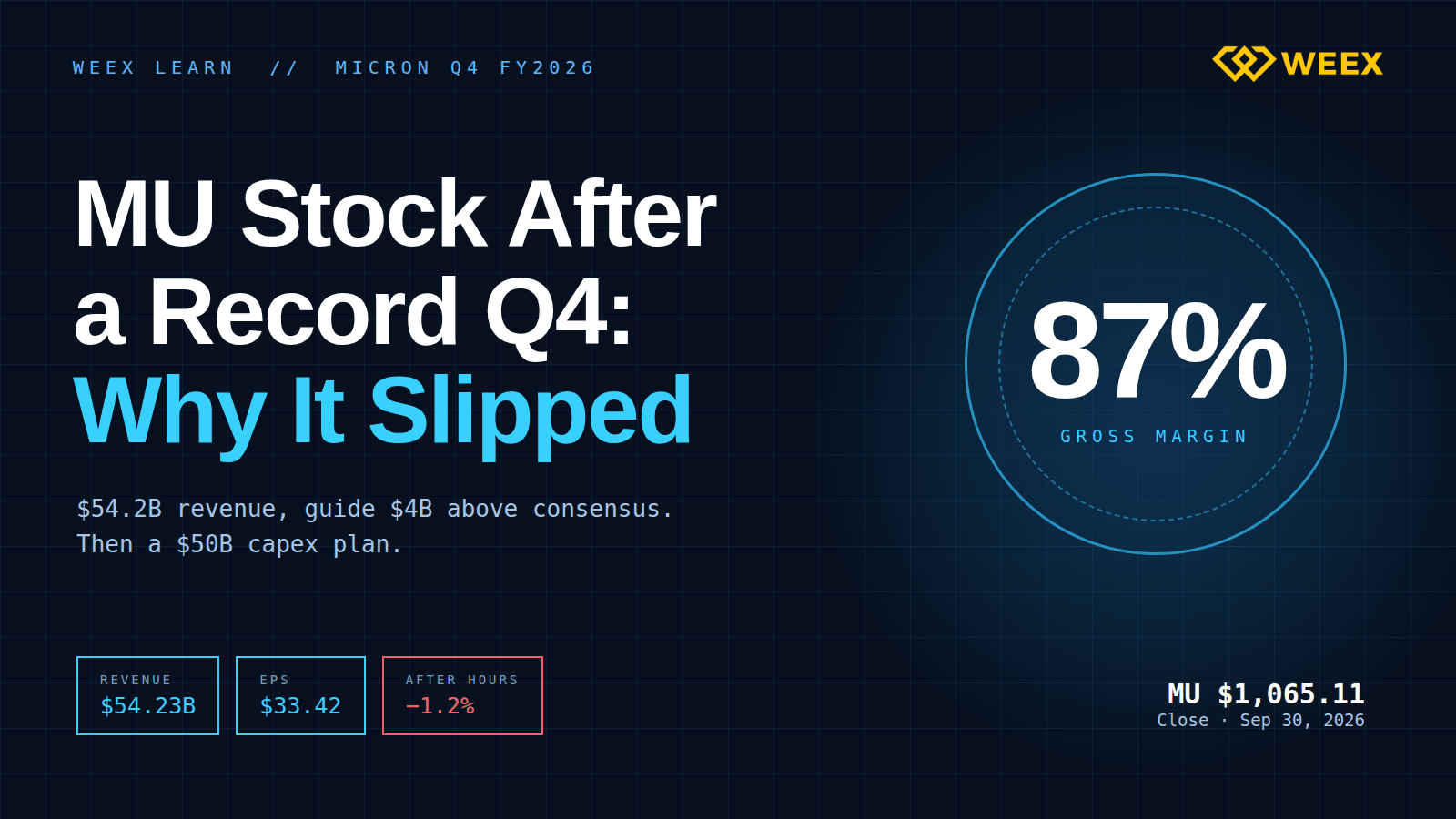
MU Stock After a Record Q4: Why Micron Slipped on a Huge Beat

QNT Price Near $295: Does the Bank Deal Justify a 4x Rally?
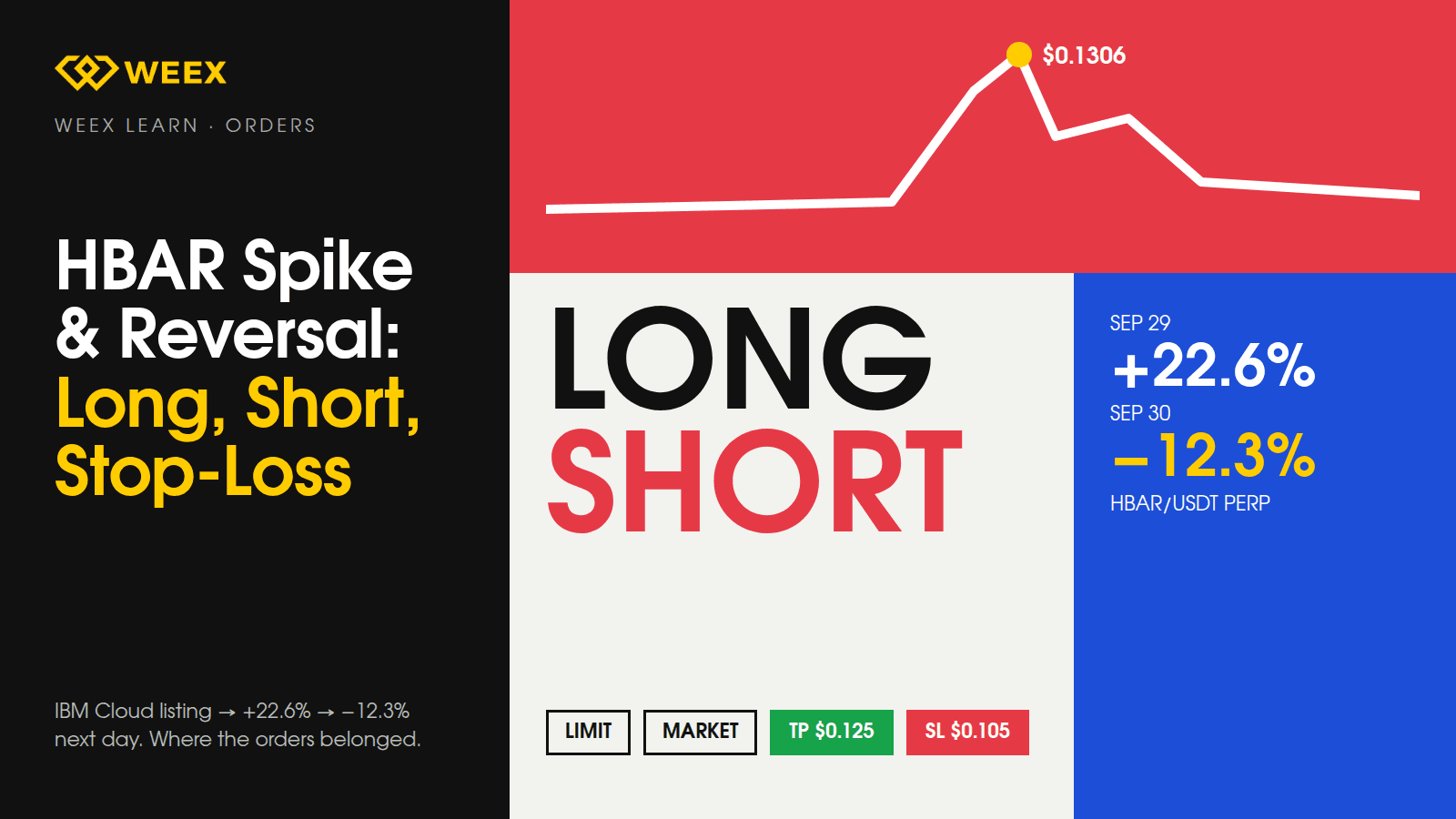
HBAR Price Spike and Reversal: Long, Short, and Stop-Loss Orders
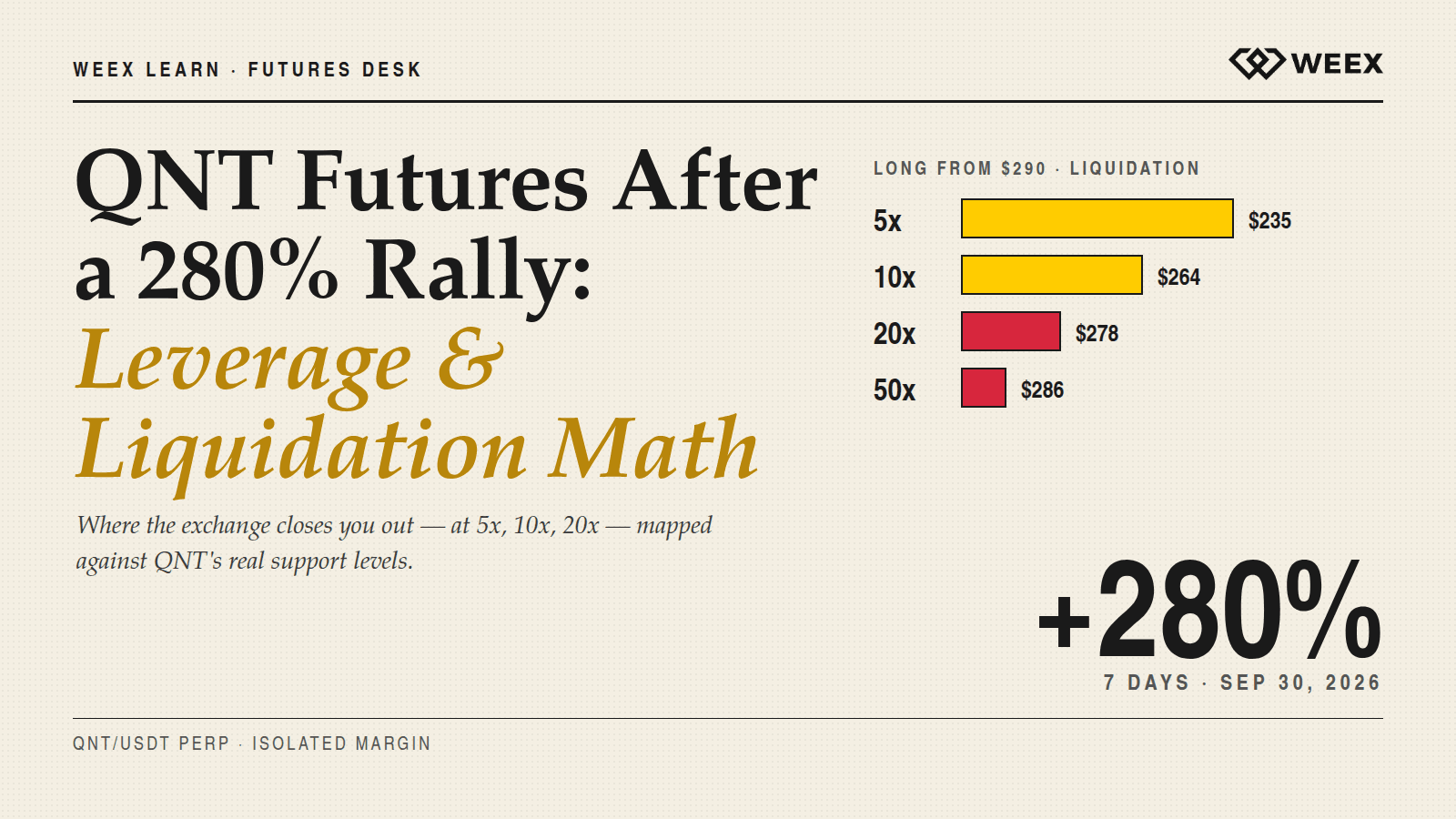
QNT Futures After a 280% Rally: Leverage and Liquidation Math
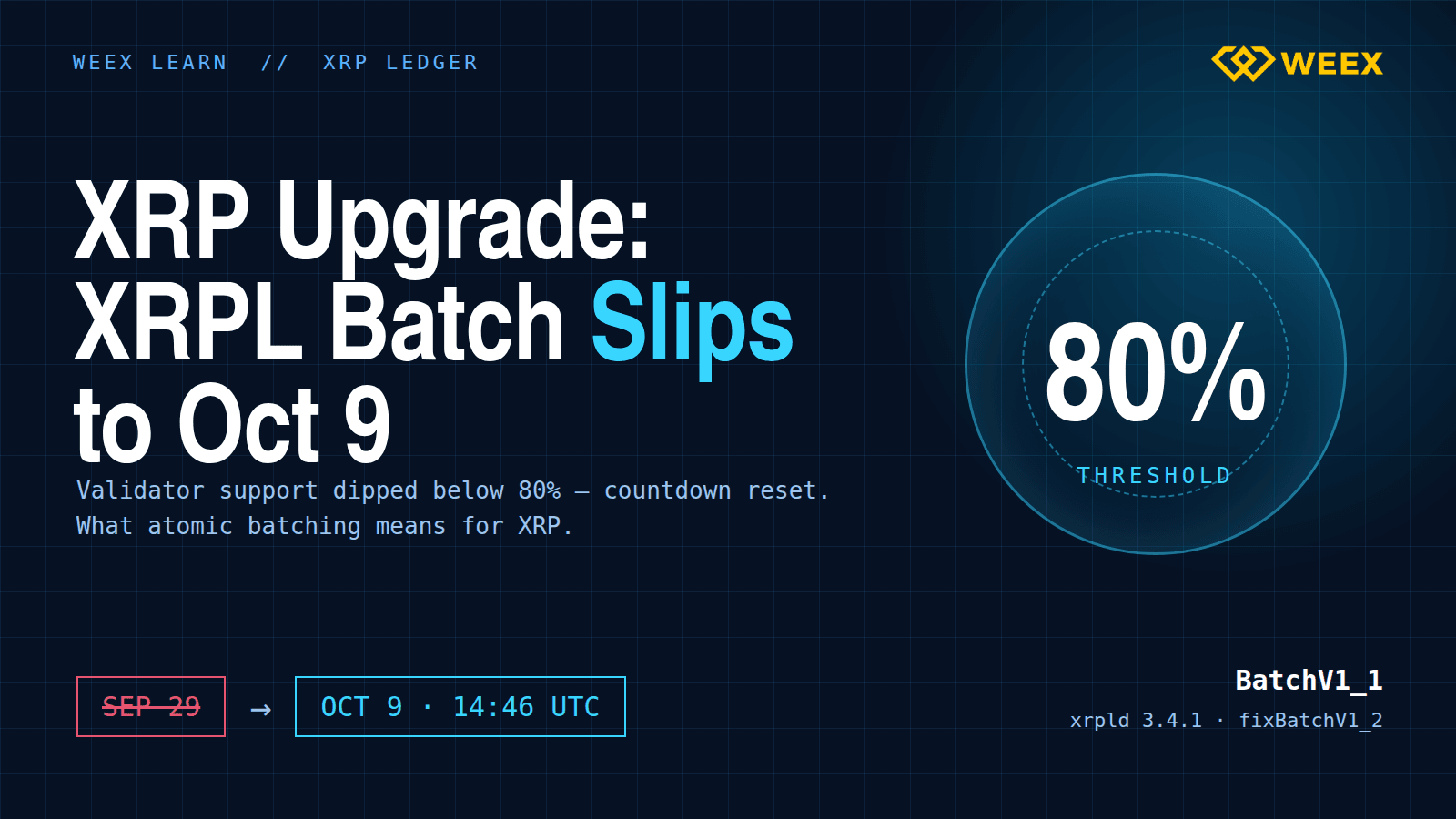
XRP Upgrade Update: XRPL Batch Slips to Oct 9 and What Changes

Safest Crypto Wallet in 2026: Matching Wallet Type to the Threat You're Actually Worried About
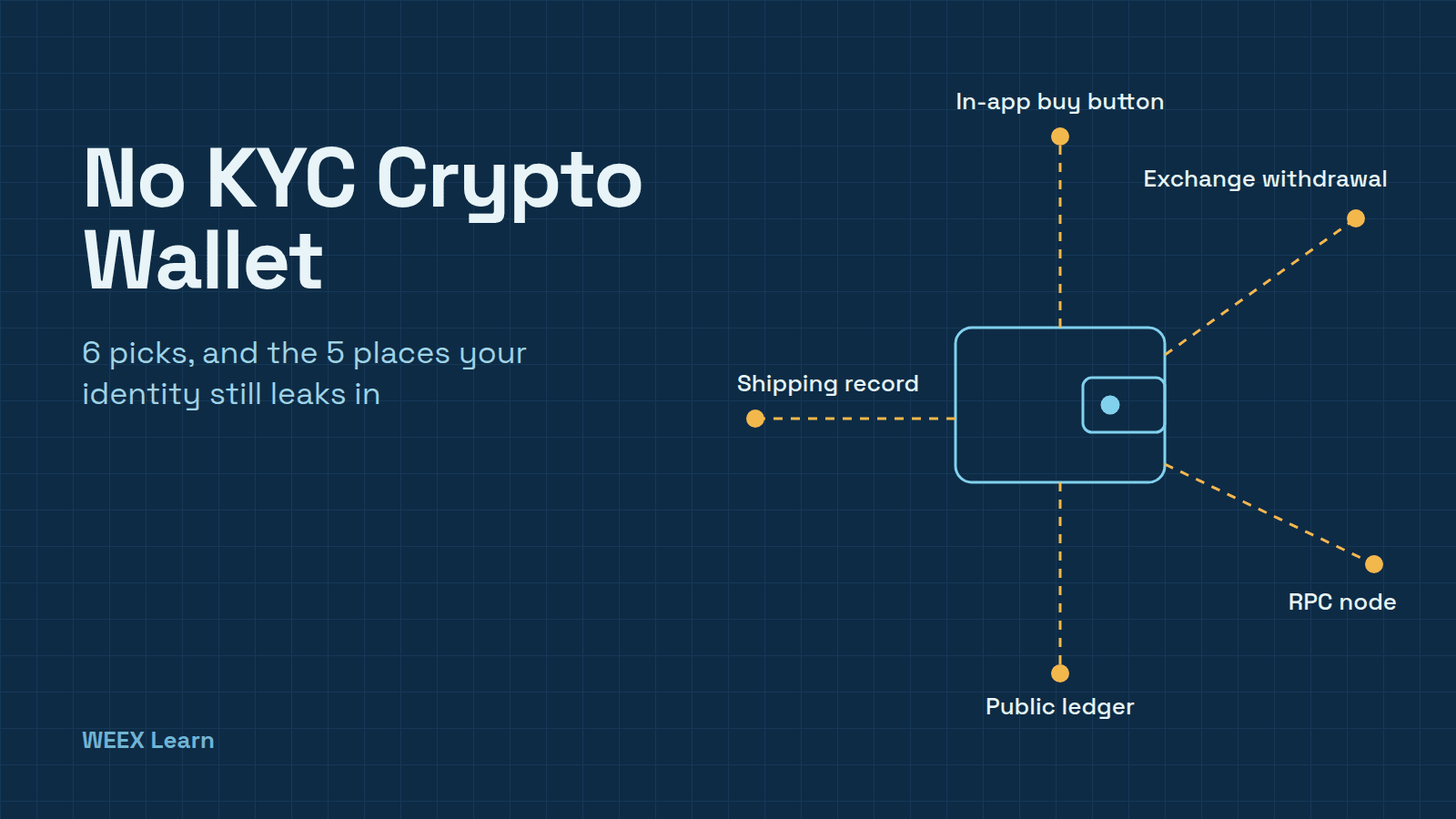
No KYC Crypto Wallet: 6 Picks and 5 Places Your ID Still Leaks
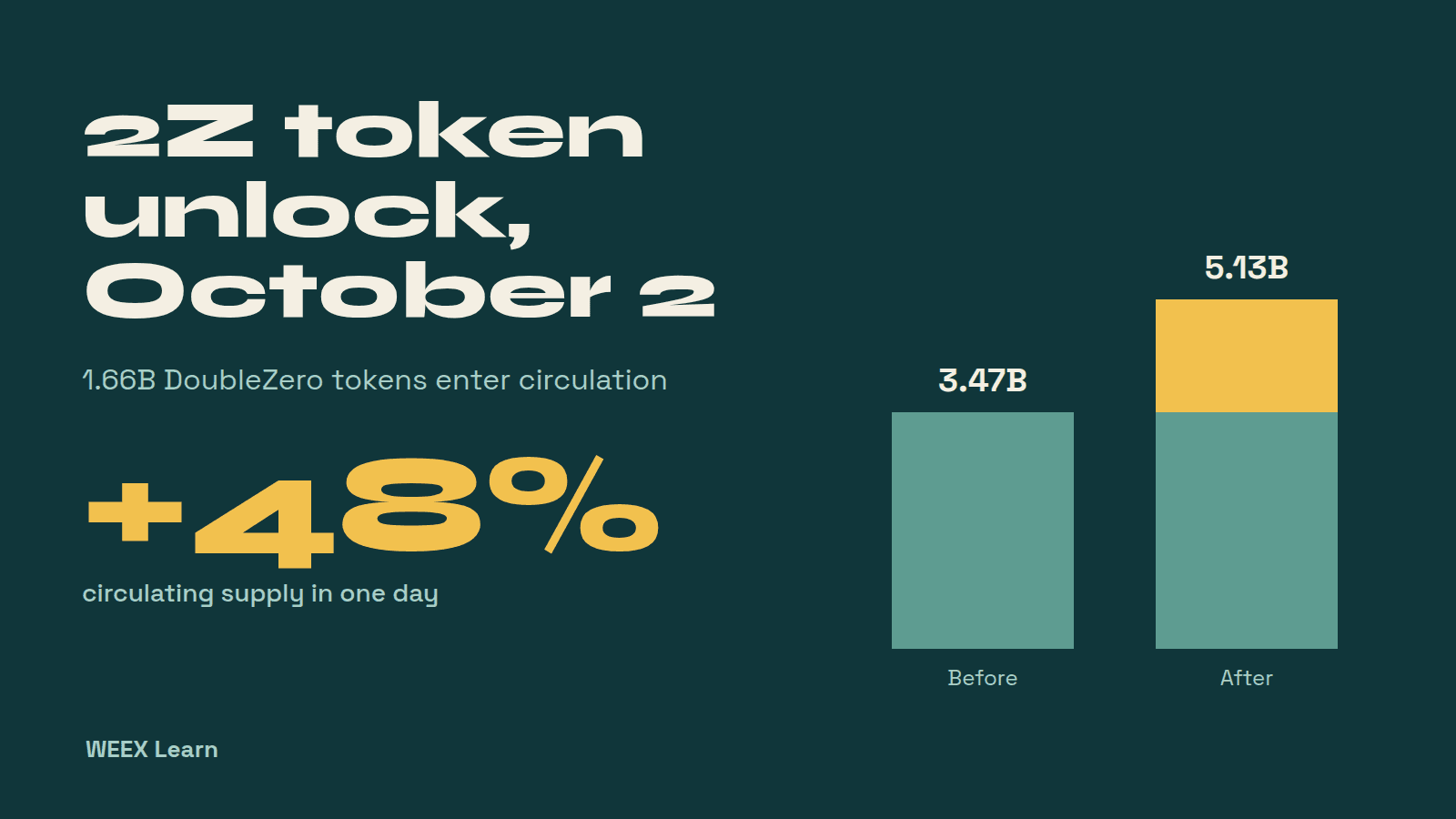
2Z Token Unlock on October 2: What 1.66B DoubleZero Tokens Mean

Best Decentralized Crypto Wallet for Beginners: What Self-Custody Really Asks of You
BTC Futures Analysis: $80K Held, but Longs Are Still Paying Up
Third-Party Trading Platforms vs Direct WEEX Trading: Fees, Liquidity, Security, and Control
How to Day Trade Crypto for Beginners: Do the Fee Math First
What Is Blockchain and How Does It Work? One Real Payment Traced
What Is a Blockchain Node? Types, 2026 Counts, and Real Costs
TSMC Stock Outlook Ahead of Q3 Earnings: Can AI Demand Push Shares Higher?
Contents
Popular coins
Latest articles





