
WEEX Close Position Guide: Flash Close, Limit Close and TP/SL

 Prefer us on Google


To close a position on WEEX futures, open the Positions tab under the trading chart, click Close on the position, and choose a flash (market) close or a limit close. A flash close exits immediately at the best available price and pays the 0.08% taker fee. A limit close waits for your price and can qualify for the 0.02% maker rate. This guide covers both methods, partial closes, TP/SL exits, and the mistakes that most often turn a winning trade into a smaller one.
How to Close a Position on WEEX Futures Step by Step
- Go to the futures trading page and scroll to the Positions tab below the chart.
- Find the position you want to exit and check the unrealized P&L, mark price and estimated liquidation price.
- Click Close.
- Choose the closing method: market close (flash close) for an immediate exit, or limit close to set your own exit price.
- Enter the quantity. Use 100% for a full close, or a smaller amount to reduce the position.
- Confirm, then check the Positions tab to make sure the position is gone or smaller, and the order history to see the fill.
WEEX's futures trading guide on order types walks through the same panel with screenshots.
Flash Close vs. Limit Close: Which WEEX Exit to Use
Picking the exit method comes down to speed against price control. Here is how the two compare on the points that matter.
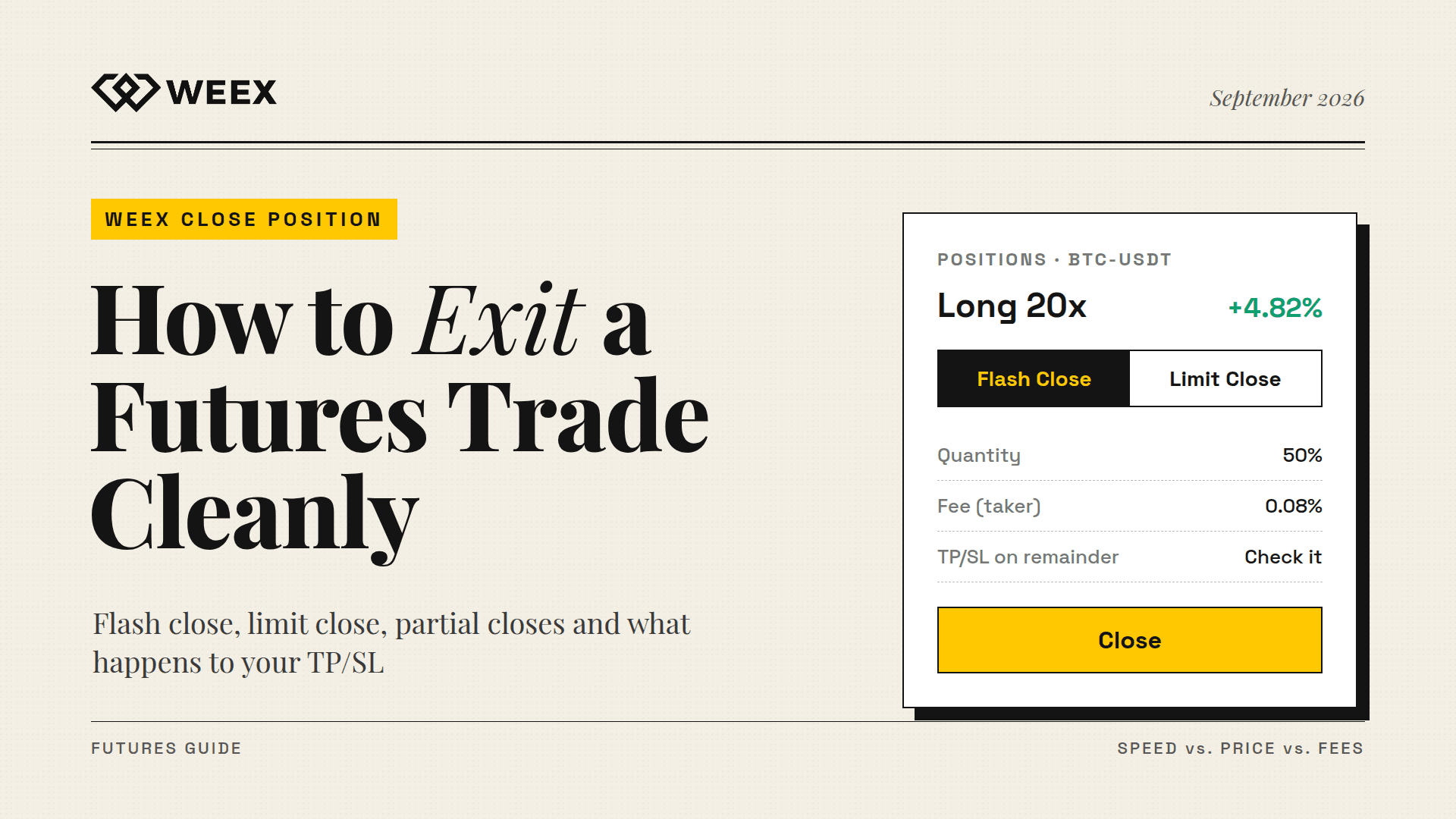
Speed. Flash close is built for getting out immediately. WEEX's system places the order at the most easily traded price. If it is not fully filled, the remainder keeps following the latest easily traded price rather than sitting unfilled while the market moves. A limit close fills only when the market reaches your price, which may be never.
Price certainty. A limit close gives you exactly your price or better. A flash close gives you a predictable, fast exit, but in a thin or fast market the fill can be worse than the last price shown on screen.
Fees. A flash close is a taker trade at 0.08% of notional value. A limit close that rests on the book before filling is a maker trade at 0.02%. On a $20,000 position, that is $16 against $4 for the exit alone.
When each fits. Use flash close when the thesis is broken, when a news candle is running against you, or when liquidation is close. In those situations, getting filled matters more than saving 0.06%. Use a limit close when you are taking profit into strength, scaling out of a winner, or exiting in a calm market where you can afford to wait.
Partial Closes: Scaling Out of a WEEX Position
You don't have to exit all at once. Entering less than the full quantity in the close window reduces the position and leaves the rest open. Traders use this to:
- Lock in part of the profit at the first target and let the rest run
- Cut exposure after a sharp move without giving up the trade idea entirely
- Bring an over-leveraged position back to a size they are comfortable holding
Keep in mind that the remaining position keeps its entry price and leverage setting. Reducing the size does lower the notional value at risk, but with isolated margin, the margin left behind is what stands between the remaining position and liquidation. Check the updated liquidation price after every partial close.
-- Price
Closing With Take-Profit and Stop-Loss on WEEX
The most reliable way to close a position is to set the exit before you need it. WEEX lets you attach take-profit and stop-loss orders to an open position. The details below come from WEEX's TP/SL help article, as of September 2026:
- TP/SL orders are based on an existing position and cannot be set without one.
- They trigger when the last price reaches your TP or SL level and then execute at the best available price.
- You can set up to 20 TP/SL orders on a single position, which makes laddered exits possible.
- The quantity you can cover equals the position's available closing quantity minus any TP/SL orders already placed.
- When you close the entire position manually, all of its TP/SL orders are canceled automatically.
- If the position changes through liquidation, auto-deleveraging (ADL) or a manual close, affected TP/SL orders are canceled and marked "Canceled due to changes in position."
That last point catches people. If you close half a position manually and then add to it later, check that your stop still covers the new size. Nothing will warn you that half of the position is unprotected.
WEEX Close Position Mistakes That Cost Money
- Using limit close in a panic. A limit price set just below the market in a falling move may never fill. If you need to be out, flash close.
- Forgetting the fee on market exits at high leverage. At 100x, a 0.08% taker exit costs 8% of your margin. Scaling out with limit orders can save more than most entry optimizations.
- Assuming a stop-loss guarantees the price. In a fast market, TP/SL can fill partially or at a worse price. WEEX's own documentation says so plainly.
- Leaving stale orders behind. After a partial close, old limit closes and TP/SL orders may no longer match the remaining size. Review open orders after every change.
FAQ
1. What is flash close on WEEX?
Flash close is WEEX's fast market-close function. It places the closing order at the most easily traded price, and if part is left unfilled, it keeps following the latest tradable price so the position does not sit half-closed during a volatile move.
2. How do I close all of a position on WEEX?
Click Close on the position in the Positions tab, enter the full quantity, and confirm a market or limit close. When the whole position is closed, WEEX automatically cancels any TP/SL orders attached to it.
3. Does closing a position on WEEX cost a fee?
Yes. Closing is charged like any futures trade: 0.02% of notional value if your limit close adds liquidity as a maker, or 0.08% if it executes immediately as a taker, including flash close.
4. Why was my WEEX take-profit or stop-loss canceled?
TP/SL orders are canceled when the full position is closed, or when liquidation, ADL or a manual close changes the position. In those cases WEEX marks them "Canceled due to changes in position."
Closing Positions on WEEX: The Short Version
Closing a position on WEEX takes two clicks. The decisions around it are what matter. Flash close is for when getting out matters more than the price. Limit close is for planned profit-taking at maker fees. TP/SL orders should be set before you need them. A partial close lets you reduce risk without abandoning the trade. Build your next WEEX trade with the exit already defined, and the close becomes the easy part.
Risk Warning
Crypto futures are highly volatile, and leveraged positions can lose part or all of their margin quickly. Market and flash closes can fill at worse prices than expected during fast moves or thin liquidity. Limit closes may never execute. Take-profit and stop-loss orders can fail to trigger, fill partially, or be canceled when a position changes through liquidation or auto-deleveraging. Check your open orders and liquidation price after every change, and only trade with funds you can afford to lose.
This content is provided for general informational purposes only and doesn't constitute financial, investment, legal, or tax advice. Any events, rewards, online promotions, or related information mentioned herein should not be considered a recommendation, solicitation, or invitation to purchase, sell, trade, or otherwise deal in any crypto assets. Crypto assets are highly volatile and may result in loss. The availability of WEEX services, products, and related events may vary by region. You are responsible for ensuring that your participation is in accordance with applicable local laws and regulations.
You may also like
RSI Indicator Settings: What 7, 9, 14 and 21 Did on BTC Charts
What Is Pons Crypto (PONS), and How to Trade PONS on WEEX?

WEEX Referral Program: Complete Guide to Earn 10 TRUMP and 50% Commissions
How Copy Trading, Signal, and Telegram Trading Tools Can Build With WEEX Broker
How Quant Trading Platforms and Bots Can Build With WEEX Broker
How Trading Platforms and Terminals Can Connect to WEEX Broker

How to Use an APR Boost on WEEX Auto Earn Without Wasting It

How to Buy Presale Crypto: Step by Step Guide for Beginners
Ethereum Glamsterdam Hits 200M Gas on Sepolia: What Changes After the Upgrade?

ENA Token Price Drops After October 5 Unlock: What Happened to Ethena?
How to Day Trade Crypto for Beginners: Do the Fee Math First
Anonymous Crypto Wallet: What Each One Hides and Where It Fails
What Is Blockchain and How Does It Work? One Real Payment Traced
What Is a Blockchain Node? Types, 2026 Counts, and Real Costs
How to Buy New Crypto Before Listing: 5 Routes and Their Traps

What Is Staking? 4 Myths to Clear Up Before You Stake Crypto

TSMC Stock Outlook Ahead of Q3 Earnings: Can AI Demand Push Shares Higher?

Taiwan Stock Market Nears 50,000: Can the TAIEX Break the Milestone After the Holiday?

How to Buy USDT in Thailand: Payment Methods, Fees and Transfer Checks

What Is RLC Crypto? How iExec (RLC) Powers Confidential Computing
What Is Blockchain Interoperability? How Cross-Chain Bridges and Messaging Work
How to Buy Crypto With a Prepaid Card: Step-by-Step Guide

What Is WEEX Fast Connect? How OAuth Connects Third-Party Trading Platforms
How Do WEEX Broker Commissions Work? Direct vs Indirect Commission Explained
Best Crypto Trading Strategies for Beginners: What to Know Before You Trade
WEEX API for Quantitative Trading: Use Cases, Market Data and Automated Trading
WEEX API Documentation: How to Get Started With the WEEX Trading API
What Is WEEX API? Features, Trading Tools and How It Works
WEEX Auto Earn vs Staking: Flexibility, APR, and Lock Terms
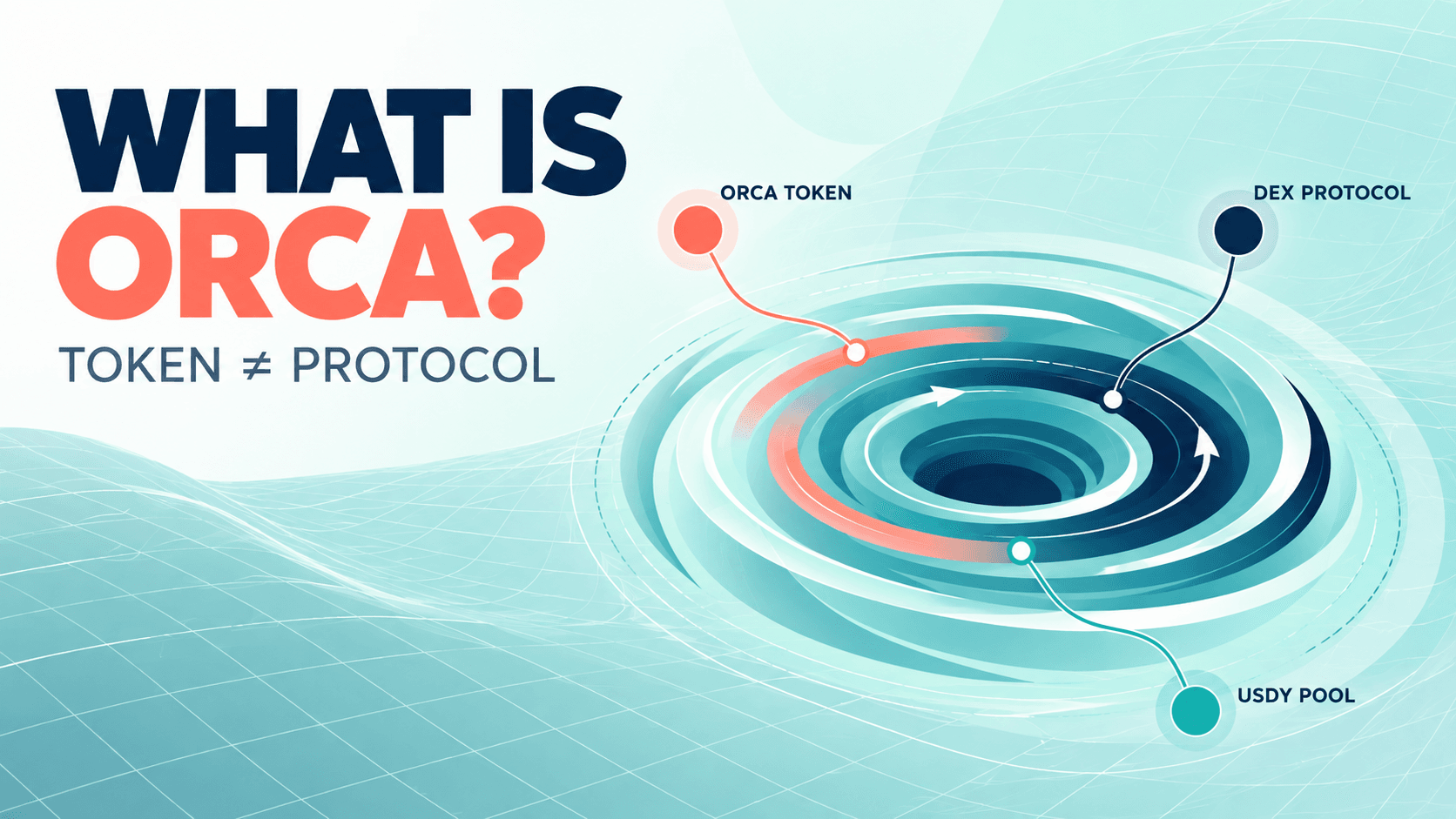
What Is Orca (ORCA) Crypto? The Solana DEX, USDY Liquidity, and the ORCA Name Confusion
RSI Indicator Settings: What 7, 9, 14 and 21 Did on BTC Charts
What Is Pons Crypto (PONS), and How to Trade PONS on WEEX?
WEEX Referral Program: Complete Guide to Earn 10 TRUMP and 50% Commissions
How Copy Trading, Signal, and Telegram Trading Tools Can Build With WEEX Broker
How Quant Trading Platforms and Bots Can Build With WEEX Broker
How Trading Platforms and Terminals Can Connect to WEEX Broker


